




Ready to use right away

No hidden fees, no surprises.

Access your money anywhere, hassle-free

Pay on-the-go

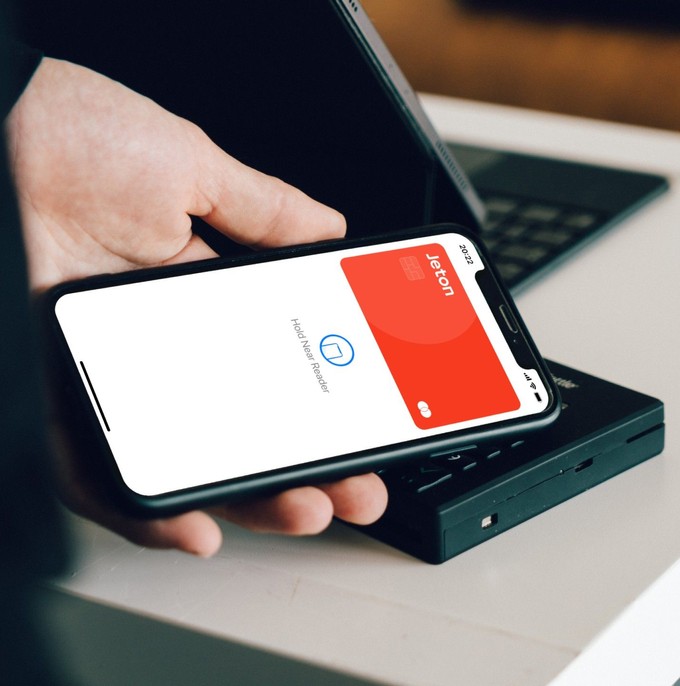
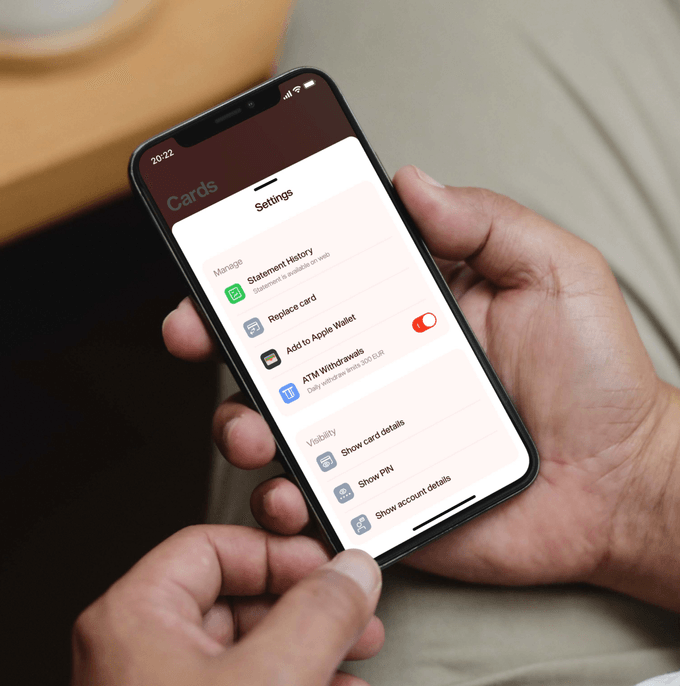
Simply add Jeton Card to Apple or Google Wallet for quick and convenient access whenever you need it.

  • jeton mobile app

    Total control over your card

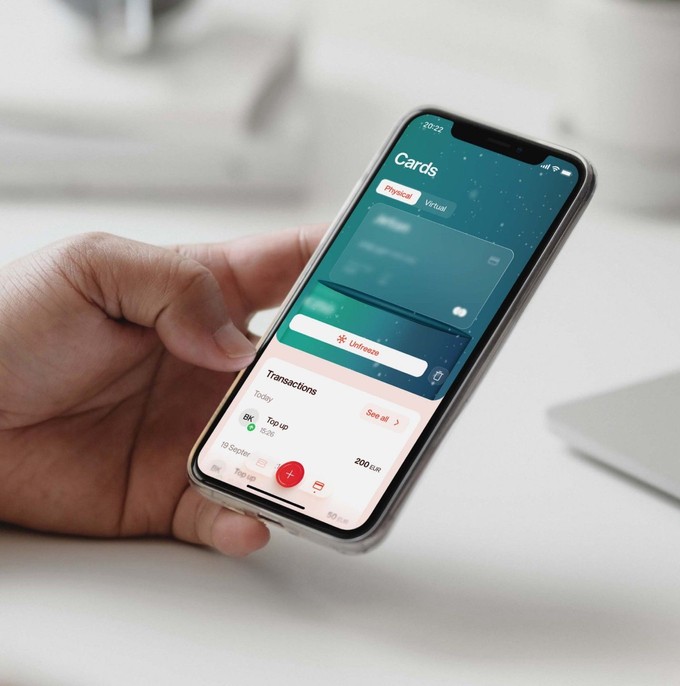
    Freeze, unfreeze both your physical and virtual cards anytime. Your transactions are safe and under your control.

  • contactless card payment

    Tap in on easier and faster payments

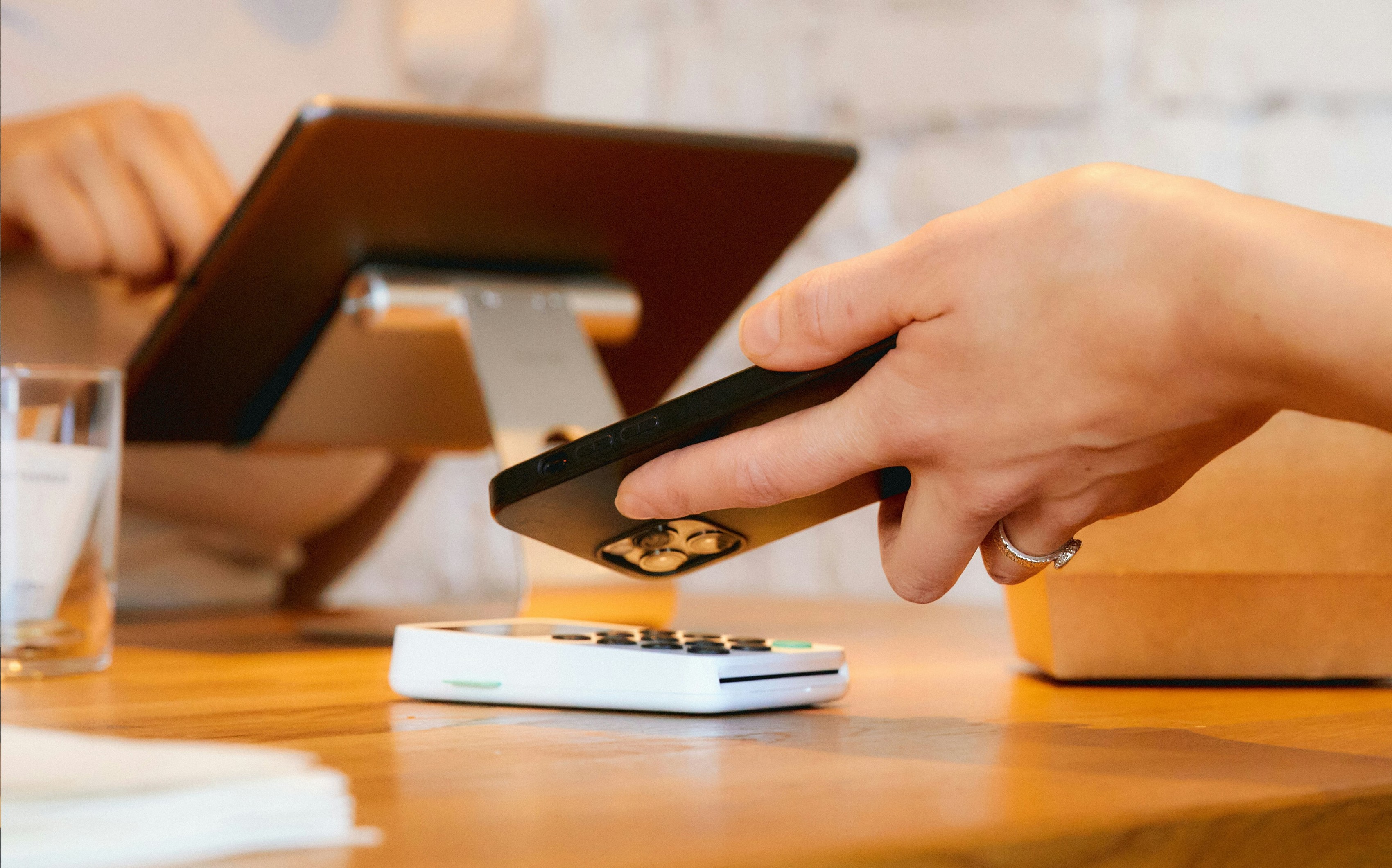
    Make contactless payments with your Jeton Card for faster checkouts!

  • Jeton mobile app

    Keep your spending in check

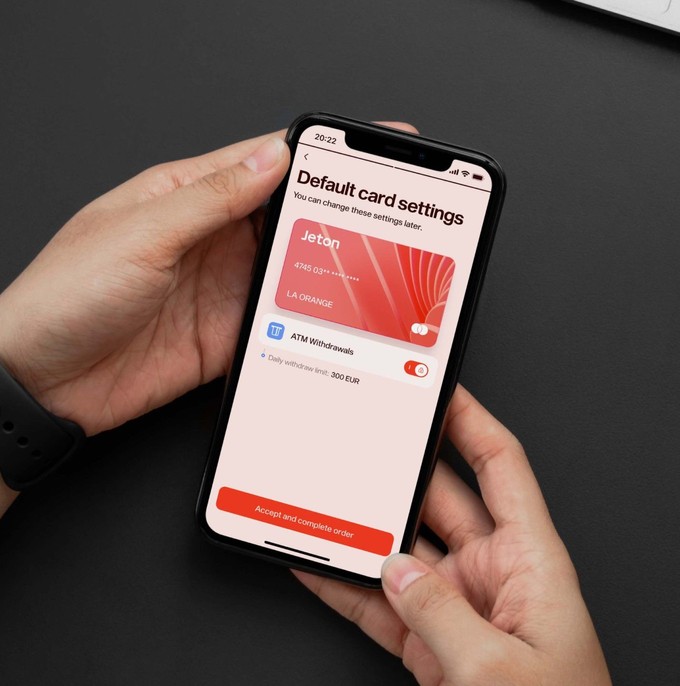
    Easily manage your expenses by setting and following spending limits.

  • Jeton mobile app

    Expand your international reach

    With worldwide acceptance either at online shops or in-store payments, Jeton Card supports VISA, Mastercard and UnionPay, opening doors to faster transactions.

Jeton Card

Jeton Card, all your spendings under control.

Safely shop online, buy in stores, or tap into the power of virtual cards with Jeton. Freeze and unfreeze your card anytime within the Jeton app, and enjoy better payments today.

  • Paying at store
  • Working on laptop
  • Using smartphone
  • Buying shirt
  • Contactless payment

In Stores or Online

Jeton Card has you covered.

Wallets

Pay on-the-go

Make contactless payments in stores with Jeton Card. Easily link your card with your digital wallet. Tap, pay and speed through checkouts!

Contactless payment

Faster, smoother payments: Jeton Card integrates Apple Pay and Google Pay

By integrating with Apple Pay and Google Pay, Jeton users can now enjoy a quicker and more straightforward payment process. With just a few taps on their smartphones, users can make payments at a wide range of online and offline merchants, eliminating the need for cash or card transactions.

Experience a seamless checkout process with a single tap. Save time and effort as your Jeton card details are conveniently filled in for you during checkout.
Get Jeton Card
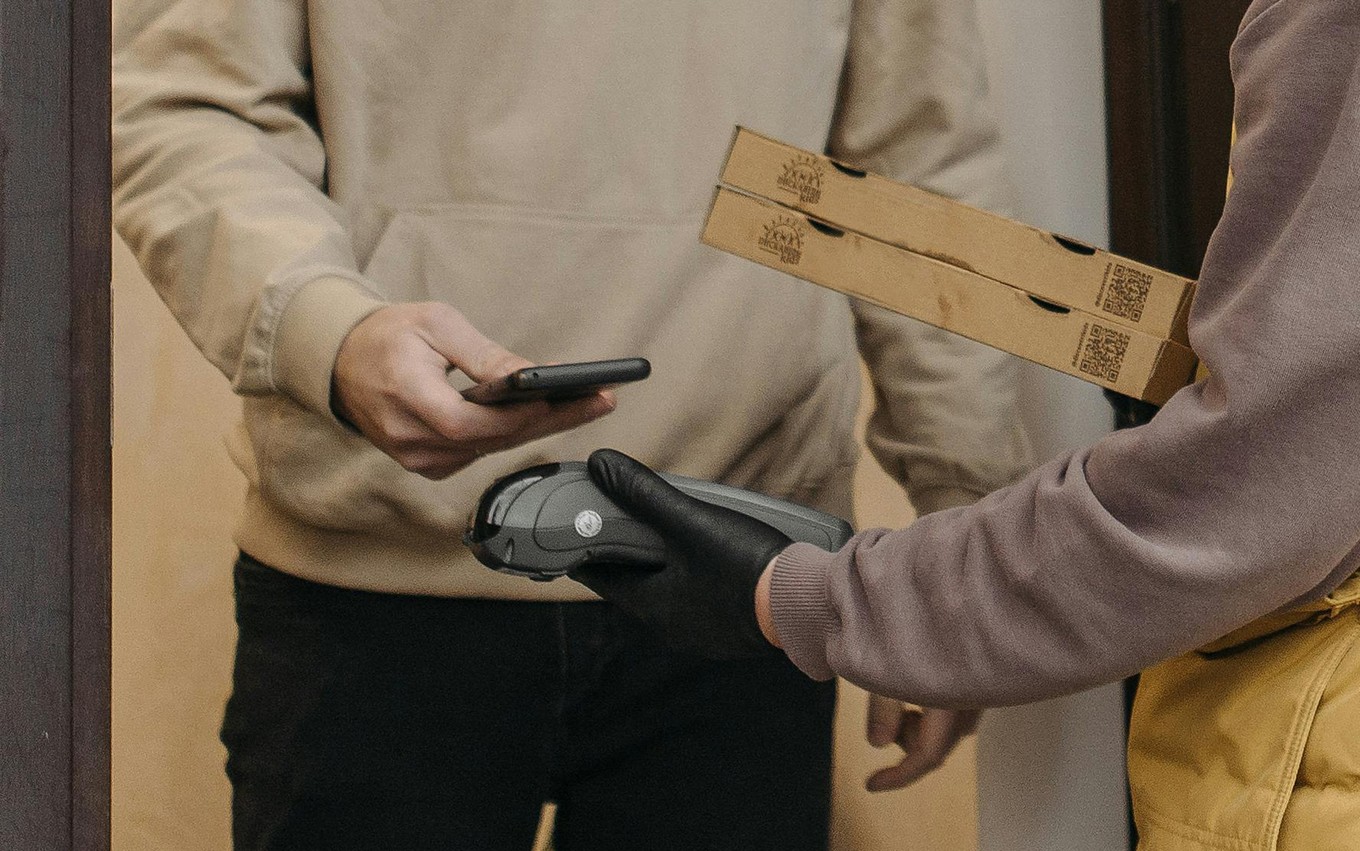
Contactless payment at door

Paying made effortless with the devices you carry daily

iPhone:

Open Apple Wallet on your iPhone, then tap the plus sign (+) to get started.

Smartphone:

Open Google Pay on your smartphone, then tap the profile picture or account at the top right. Select "Payment methods" and tap "Add payment method." Follow the instructions to add a credit or debit card.

Apple Watch:

Open Apple Wallet on your Apple Watch, then tap Add Card to get started.

Watch:

On your watch, open the Google Pay app, then tap Get started. If you haven't already, set up a screen lock. Meanwhile, on your phone, follow the instructions to add a credit or debit card.

iPad/Macbook:

On your iPad or Mac, open System Preferences and select Wallet & Apple Pay to get started.

Tablet/Computer:

On the website, click the "Payment methods" tab, then click "Add payment method" to enter a payment method. Select your desired option and fill out the necessary information. Click the Save button and then select Done.

Contact Form